Featured Products
With the featured products feature in Self-Managed Commerce, you can promote specific products on a category page in the storefront to:
- Highlight a product to increase sales
- Feature trending products in a category
In Self-Managed Commerce Manager, merchandisers and marketers can control which featured products appear and the order in which the products appear in the category page. When you add featured products to a category, the Navigation API can access the products and display the products at the category level. For example, to promote five products in the movies category, a merchandiser must add the products to the featured products list in the movies category in the catalog. These movies are available as featured products in the Navigation API, and appear as such in the category.
The following image shows how the featured products are added in Self-Managed Commerce Manager:
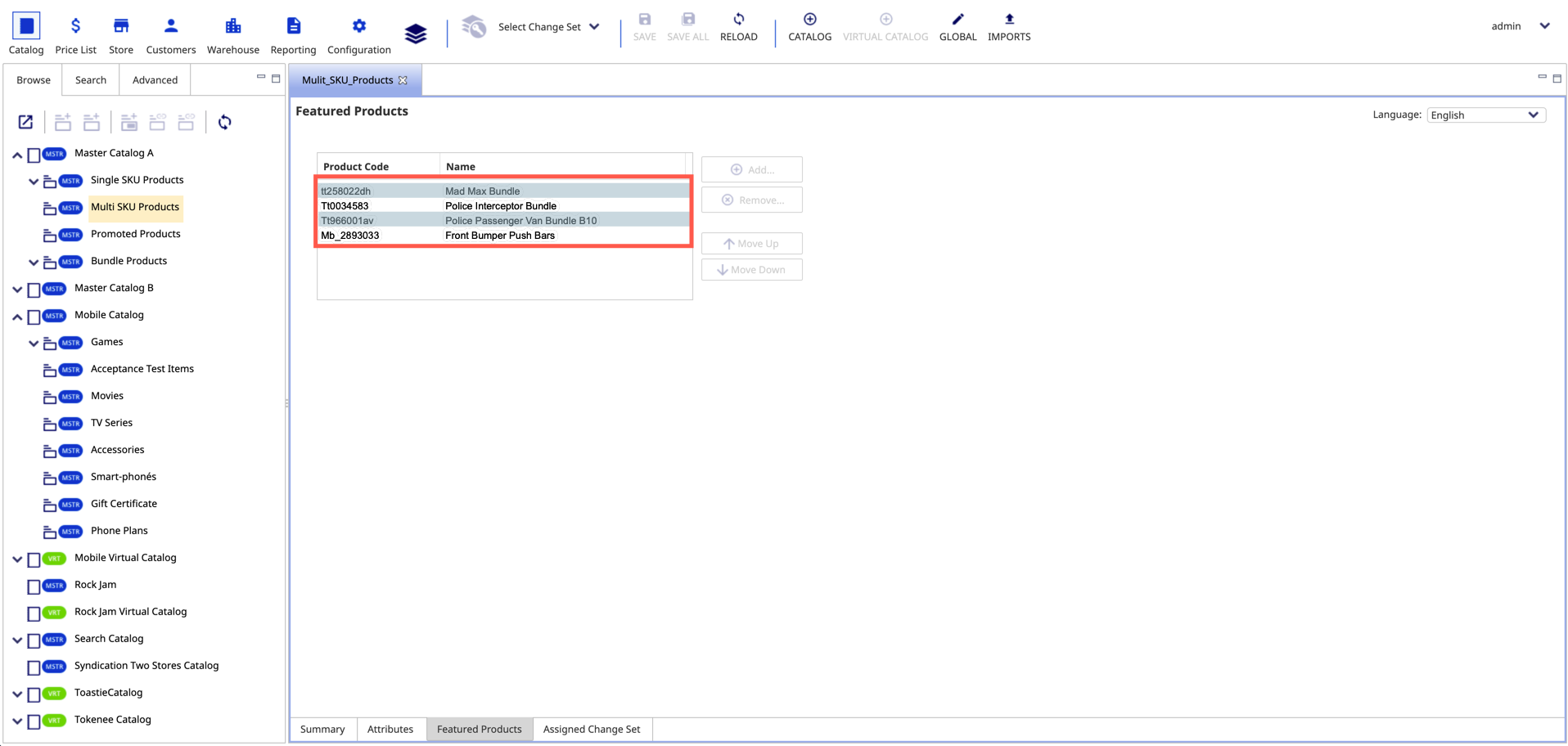
When the store configuration is updated in Self-Managed Commerce Manager, the Navigation API fetches the changes to the front-end so that the customers can view the featured products.
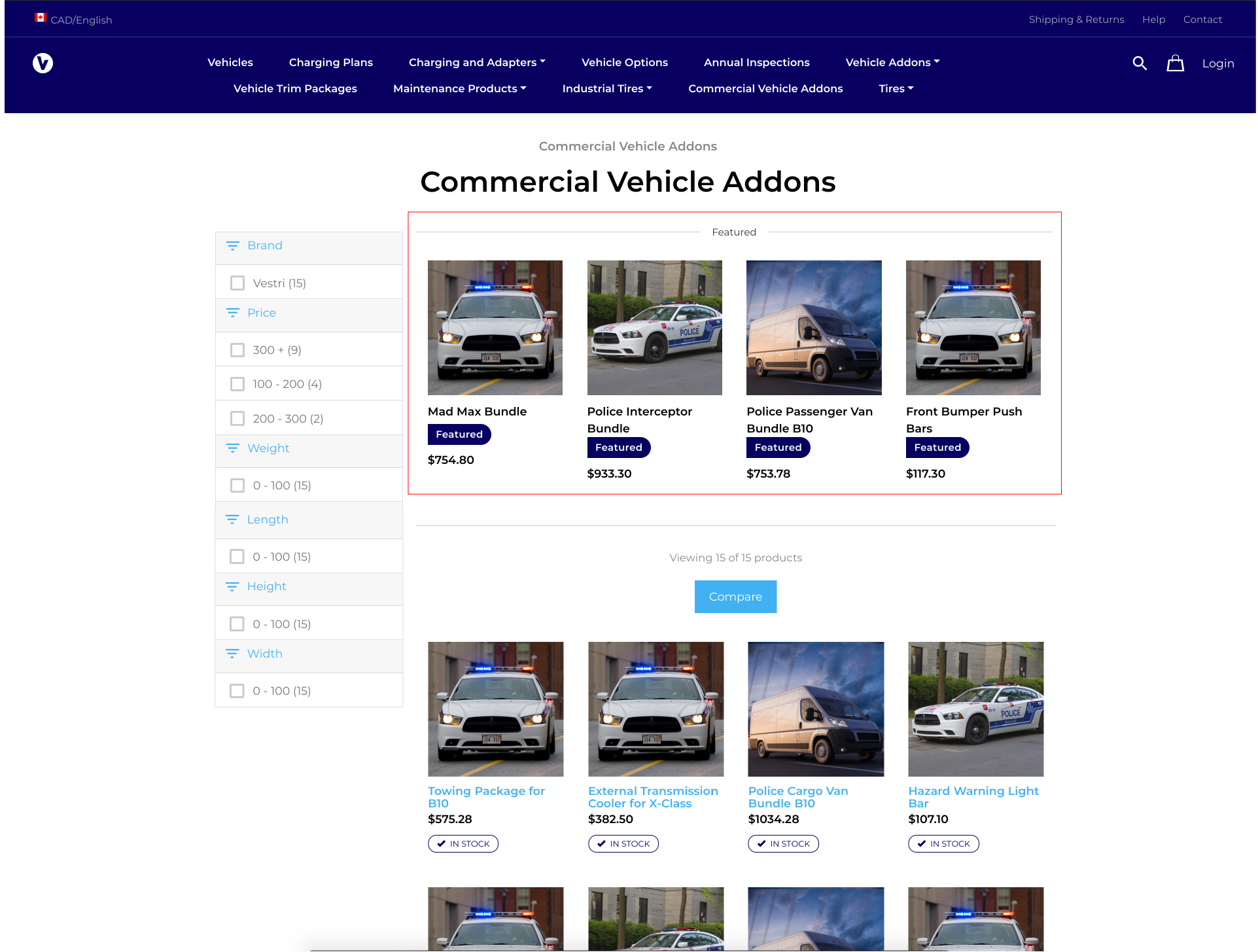
The following image shows how the featured products are displayed in the front-end:
For more information, see the Featured Products section.